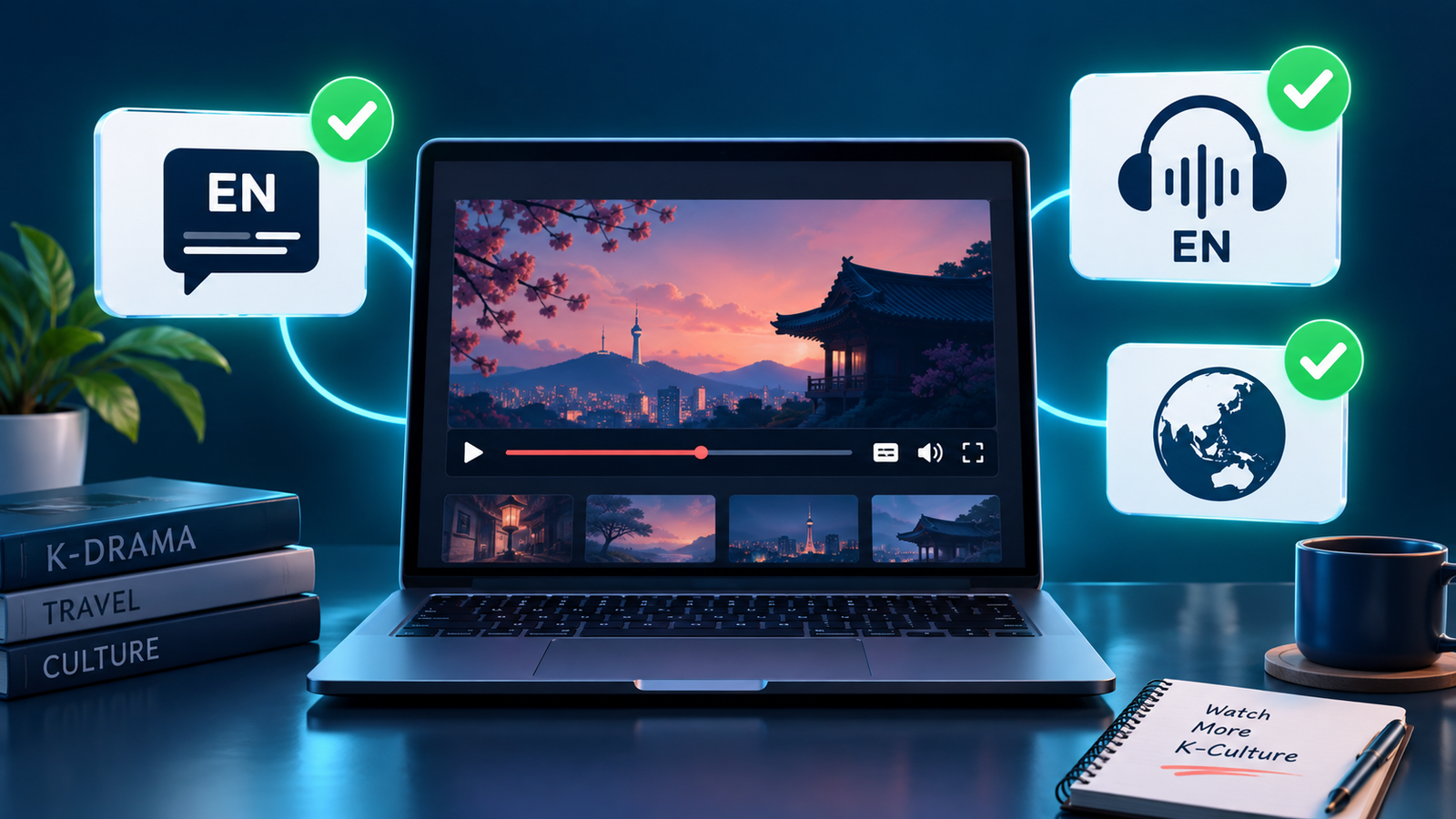
Paying for a streaming service does not guarantee that every K-drama in its catalogue includes English subtitles or English dubbed audio. Language support can change by country, title, season, episode, profile setting, and even the device you use.
The safest approach is to verify the exact drama and the exact episode before starting a subscription. This guide shows a practical check that takes only a few minutes and helps you avoid paying for a service that does not offer the language option you need.
Quick answer
Before subscribing, search for the drama on the service while signed in or using its public title page. Confirm that the title is available in your country, open the newest available episode, and inspect the player’s subtitle and audio menus. Look specifically for English under subtitles and, if you prefer dubbed viewing, English under audio. Do not assume that an English interface, English synopsis, or English title means English audio is included.
If the drama has several English titles, first use our guide to identify the correct K-drama when English titles differ.
Why the language label can be misleading
Streaming platforms separate several features that viewers often group together:
- English subtitles: translated text for dialogue spoken in Korean.
- English closed captions or SDH: text that may also describe sounds, music, or speaker names.
- English audio: a dubbed English voice track.
- English audio description: narration describing visual action for accessibility. This is not the same as a standard English dub.
A page may be written in English while the video offers only Korean audio. It may also list English subtitles for some episodes but not for a newly released episode whose translation is still being completed.
Step 1: Confirm that you found the correct drama
K-dramas frequently appear under a Korean title, a literal translation, an international title, and a shortened fan title. Search the Korean title, lead actors, release year, and episode count if two listings look similar. This prevents you from checking the language menu of a remake, spin-off, film version, or another drama with a similar name.
Step 2: Check availability in your actual country
A recommendation from another country does not prove that the same drama is included where you live. Distribution rights are regional. Open the service without a VPN and confirm that the title page is accessible from your normal location.
A paid plan generally does not remove a regional restriction. Viki, for example, states that a Viki Pass does not unlock content that is unavailable in the viewer’s region. For a broader availability check, follow our guide on how to find where a K-drama is streaming in your country.
Step 3: Inspect the real video player
The title page is useful, but the player is the strongest evidence. Start an episode and open the subtitle or speech-bubble icon. Then open the audio or headphones icon if one is available.
| What you see | What it proves | What it does not prove |
|---|---|---|
| English in the subtitle menu | That episode can display English translated text | That English dubbing is available |
| English in the audio menu | An English voice track is available for that episode | That every season has the same audio |
| English audio description | Accessibility narration is offered | That a standard English dub exists |
| English title and synopsis | The catalogue page is localized | Any specific playback language |
Netflix’s official help center explains that available subtitle and audio languages can depend on location, profile-language preferences, the specific title, and the device. This is why opening the actual player is more reliable than relying on a search-result description.
Step 4: Test more than the first episode
Check episode 1, the latest available episode, and at least one episode from another season if the drama has multiple seasons. Weekly releases sometimes receive subtitles after the video becomes available, and older or separately licensed seasons may have different language tracks.
On Viki, community-created subtitle completion can vary by episode. The service shows a completion percentage for a selected subtitle language, so a language appearing in the menu does not always mean the newest episode is fully translated. If you prefer to wait until everything is ready, also check whether the K-drama is fully released before you start.
Step 5: Separate subtitles from dubbing
Many K-dramas have English subtitles but no English dub. If listening in English is essential, the audio menu must explicitly list English. Do not count an English subtitle badge as evidence of dubbing.
Viki’s official support page describes dubbing as a feature offered only for selected series and movies and on supported devices. It also notes that changing audio does not automatically change the subtitle language. For help choosing the better format for your viewing style, read our K-drama subtitles vs. dubbing guide.
Step 6: Check profile and device settings
If English does not appear, try these checks before concluding that it is unavailable:
- Set English as a preferred subtitle and audio language in the account or profile.
- Refresh the title page and reopen the episode.
- Test in a desktop web browser as well as the device you plan to use.
- If you downloaded the episode, check the streaming version too. Downloads can show fewer language choices.
- Update the app and sign out and back in if the setting does not refresh.
These steps matter because older devices and app versions may not display every supported language in the same way.
If you plan to watch on a television, verify the service’s app and the exact episode’s language controls on that TV before paying. Our TV app compatibility checklist shows how to check the model, app store, title access, and playback options.
If you plan to watch while travelling or without a reliable connection, verify the downloaded copy separately. Use our offline-download checklist for K-dramas to check the exact plan, device, episode, language tracks, and expiration rules before subscribing.
A five-minute checklist before paying
- Verify the exact drama using its alternate title, cast, year, and episode count.
- Confirm the title is available in your country without a VPN.
- Open an episode and inspect the subtitle menu.
- Inspect the audio menu separately if you need English dubbing.
- Check the newest episode, not only the trailer or first episode.
- Review another season if the series has more than one.
- Confirm that your preferred television, phone, or streaming device displays the option.
- Check whether the series is complete or still releasing weekly.
- Use a free preview or free episode when the platform provides one.
- Subscribe only after the required language appears in the player.
Common mistakes to avoid
Assuming “English available” means English audio
It often refers only to subtitles or the page interface. Look inside both language menus.
Checking a trailer instead of a full episode
Trailers can have different captions from the series. Use a playable episode whenever possible.
Trusting an old review or social post
Licensing and language tracks can change. Treat outside recommendations as leads, then verify the current player.
Checking only one episode
Language coverage can differ across episodes or seasons, especially during a weekly release.
Believing a subscription removes every restriction
A premium plan may remove ads or unlock premium titles, but it does not necessarily override regional licensing.
Frequently asked questions
Does every K-drama on Netflix have English subtitles?
No. Many titles do, but availability can vary by location, title, profile settings, season, episode, and device. Check the episode’s Audio & Subtitles menu.
Are English subtitles and English closed captions the same?
Not always. Subtitles mainly translate dialogue, while closed captions or SDH may include sound cues and speaker information. Either can be useful, but the labels describe different functions.
Why does a new episode have incomplete subtitles?
The video and its translation may be released on different schedules. On community-subtitled services, completion depends on translation progress for that episode.
Can I find English-dubbed K-dramas by searching?
Some services allow browsing by audio language, but always confirm the exact title in the player because regional and device availability may differ.
Bottom line
The best evidence is not the catalogue description—it is the language menu inside the exact episode you intend to watch. Confirm the region, title, latest episode, subtitles, audio, profile, and device before paying. A short verification now can prevent a month of subscription fees for a drama you cannot comfortably watch.
Official references
- Netflix Help Center: Why subtitles or audio is not available in a specific language
- Viki Support: subtitles and regionally restricted content
- Viki Support: changing audio language and dubbing availability
Streaming catalogues, language tracks, and device support can change. Verify the current player before purchasing a subscription.
Leave a Reply