Source check: September 16, 2026
Short answer: search the exact drama title on official streaming services while your account is set to your real country and preferred language. Then verify the title page, subscription or rental requirement, subtitle options, and date checked. A recommendation from another country—or an old search result—does not prove that the show is available to you today.
This guide gives you a repeatable way to locate a legal stream without promising that one service has the same catalogue everywhere. It does not recommend VPNs, copied uploads, or sites that do not identify their licensing source.
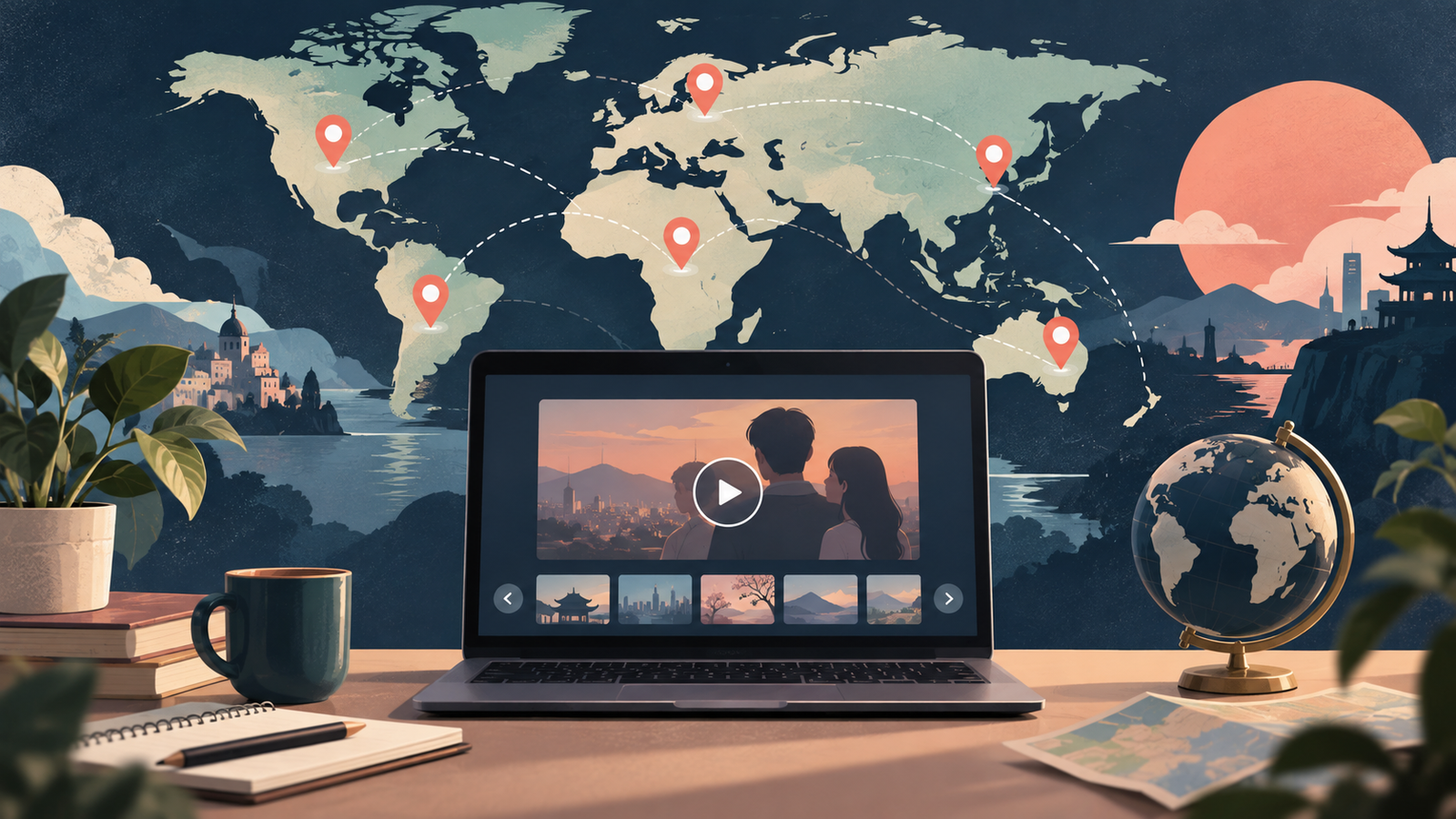
Why the same K-drama appears in one country but not another
Streaming rights are usually licensed by territory. Netflix explains that a show can be available in one country but missing in another because rights may belong to different studios or distributors, may not be offered for sale in that territory, or may be exclusive to another platform. Netflix also says its library varies by country and changes periodically.
Viki gives a similar explanation: a “not available in your region” message means it does not hold the licence for that geographic location. Paying for Viki Pass does not remove the regional restriction. KOCOWA likewise publishes a country list for its service rather than claiming worldwide availability.
That means three separate questions must be answered:
| Question | What proves it |
|---|---|
| Does the service operate in my country? | The service’s current official country or availability page. |
| Is this exact drama licensed here? | A playable title page shown for your actual region and account. |
| Can I watch it in a useful language? | The title’s current audio and subtitle menu—not a general claim about the platform. |
A seven-step method that works across platforms
1. Record the exact title and identifying details
Write down the official English title, Korean title if available, release year, broadcaster, and one or two lead actors. Localized titles can differ, and unrelated shows can share similar English words. These details prevent you from mistaking a remake, film, variety program, or recap for the drama you want.
When two services use different English names, follow our guide to identifying the right K-drama when English titles differ before comparing regional availability.
If the listing says “Season 2,” “Part 2,” “special,” or “spin-off,” use our guide to K-drama seasons, parts, specials, and spin-offs to confirm whether it continues the same story or is a separate title before checking platforms.
If the drama was adapted from a comic, source credits can help confirm identity. Our guide to finding the original webtoon behind a K-drama without spoilers shows how to cross-check official titles and creator names without opening plot-heavy fan pages.
2. Start with the official broadcaster or distributor
Search the broadcaster, production company, or international distributor before using a general web search. Its programme page may name the licensed streaming partner or provide an official title that works better in platform search.
A press release can establish that a service acquired a title, but it may describe only certain territories or a release window. Read the geographic wording and publication date. “Streaming on Netflix” is not automatically the same as “available on Netflix in every country indefinitely.”
3. Search inside each official service
Use the service’s own website or app while signed in to the profile you actually use. Search the exact title, then try the Korean title, creator, or lead actor if the first search fails.
Netflix notes that a missing title can also be hidden by a profile’s maturity rating, blocked-title setting, profile language, or a VPN connection. Therefore, an empty result does not always prove that nobody in your country can see the show. Check the profile and connection before drawing that conclusion.
Viki’s official search guide says its app filters can include region, format, genre, subtitle language, and schedule. Filters are useful for discovery, but the individual channel page is still the place to verify the exact episodes and viewing conditions.
4. Confirm access on the title page
Do not stop when a poster appears in search. Open the title page and check whether an episode can actually be played. Look for labels such as subscription required, rental, free with ads, coming soon, or unavailable in your region.
On Viki, a subscription icon may identify Viki Pass content, but the platform explicitly says that regional restrictions still apply to its plans. Subscription availability and title availability are different facts. The same principle applies elsewhere: a service account does not guarantee access to every item in its catalogue.
5. Check audio and subtitles before paying
A legal stream is not useful if it lacks a language option you can comfortably follow. Open the audio and subtitle menu for the actual title. Do not assume that every episode or device offers the same languages.
If several English tracks appear, they may serve different purposes. Our practical guide to K-drama subtitles, English dubbing, and SDH/CC explains why translated subtitles and captions designed for a dub may use different wording.
Before purchasing access, follow our step-by-step checklist for checking English subtitles and dubbed audio before you subscribe. It covers regional catalogues, profile settings, devices, and episode-by-episode differences.
6. Write down the country and date checked
A useful recommendation should say more than “I found it.” Record the country or territory, service, access type, available language, and date. For example:
- Title: exact series name and release year
- Country checked: your real current location
- Service: official platform name
- Access: included, ad-supported, subscription, rental, or purchase
- Language: audio and subtitle options you verified
- Checked: September 16, 2026
This does not guarantee future availability. It makes the result honest and useful to someone checking under similar conditions.
7. Recheck before subscribing or renting
Catalogue pages, licensing windows, plan benefits, and prices can change. If you found a recommendation several weeks ago, repeat the title-page check immediately before paying. Confirm whether the full series is present, whether the newest episodes have arrived, and whether your preferred subtitle track is available.
If you plan to watch on a TV, check that the streaming app works on your exact model before paying for a plan. Our TV app compatibility checklist explains how to verify the app store, supported device, title access, and playback options separately.
What to do when search results disagree
You may see a search engine card saying that a drama is on a particular service while the service itself shows nothing. Give more weight to the current official title page for your region than to an undated snippet or third-party list.
- Check whether the search result refers to another country.
- Confirm that the title and release year match.
- Look for “coming soon,” “leaving soon,” or expired licensing language.
- Try the platform’s official app and current supported browser.
- Check profile language and maturity settings.
- Disable a VPN or proxy and search again from your normal connection.
If the service says the show is unavailable in your region, do not treat a subscription upgrade as a workaround unless the official page explicitly says the plan changes access. Viki states that Viki Pass does not override regional licensing, and Netflix lists territorial rights as a reason titles differ.
How to evaluate an unfamiliar streaming site
A site displaying a video player is not proof of authorization. Before creating an account or entering payment details, look for the company name, terms of service, privacy policy, support contact, supported countries, and an identifiable relationship with broadcasters or rights holders.
Warning signs include complete seasons offered without a distributor name, copied subtitles with no licence information, aggressive download prompts, and claims of every show being free worldwide. Avoid browser extensions or software that a questionable site says are required to play a stream.
Our broader webtoon-versus-K-drama guide uses the same evidence principle: separate what an official source confirms from what a fan comparison assumes.
A five-minute availability checklist
- Confirm the official English or Korean title and release year.
- Check the broadcaster or distributor for an international platform reference.
- Search the title inside official services available in your country.
- Open the title page and verify that an episode is playable.
- Check access type, audio, subtitles, episode range, country, and date.
If no official service currently carries the title in your region, the accurate answer is “not confirmed as legally available here today.” Save the identifying details and check again later rather than replacing uncertainty with an unlicensed upload.
After finding the correct regional listing, use our spoiler-free checklist on how to tell if a K-drama is fully released before planning a full-season binge.
If you also need offline viewing for travel or commuting, do not assume that streaming access includes downloads. Use our K-drama download-availability checklist to verify the exact plan, device, episode, language tracks, storage, and expiration rules before paying.
Bottom line
To find where a K-drama is streaming, verify the exact work on official title pages under your real regional conditions. Country availability, title licensing, plan access, and language support are separate checks. Recording the date and region turns a vague recommendation into evidence that another viewer can understand.
Official references
- Netflix Help: Why a title is not available in your country
- Netflix Help: Can’t find a TV show or movie
- Viki Support: Content not available in your region
- Viki Support: Browsing and searching for shows
- KOCOWA Help: Country availability
This article was prepared with AI-assisted research and editorial review. Streaming catalogues, prices, plan benefits, interfaces, and regional rights can change. Confirm the current information on the official service before subscribing, renting, or purchasing. Read our content principles, or send corrections through Contact & Corrections.